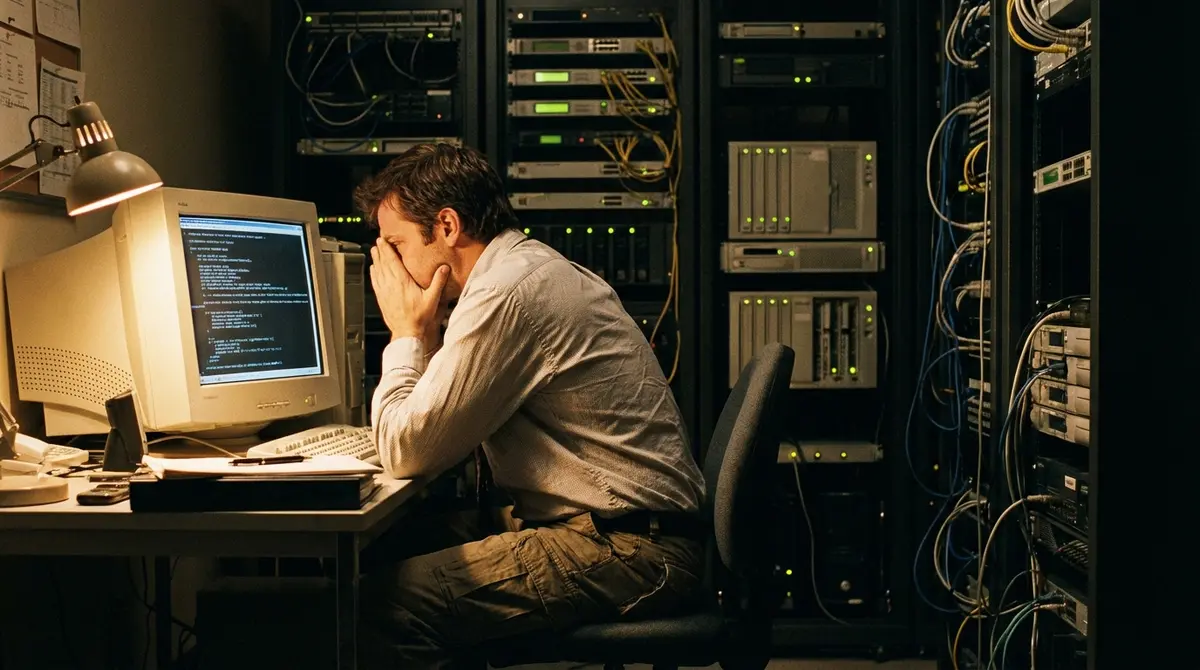
Anyone who has worked in IT operations knows the specific dread that comes with a late-night deployment. The coffee has worn off, the office is silent, and your judgment is just slightly impaired by exhaustion. It is in these moments that the most legendary disasters often occur.
According to a report published this week in The Register, a classic example of this ‘3 AM peril’ occurred back in 2009 involving a major supermarket chain, a new website launch, and a dangerously powerful terminal feature. The incident, recounted by a contractor identified only as ‘Tom’, serves as a chilling reminder of why manual intervention in production environments is a practice best left in the past.
The story centers on the launch of a general merchandise website for the supermarket. As is often the case with major infrastructure projects, the timeline had slipped, pushing the final deployment steps deep into the early morning hours. By 2:00 AM, the team was exhausted but ready for the final step: a simple cleanup of temporary files.
How did a routine cleanup wipe the entire infrastructure?
The catastrophe wasn’t caused by a bug in the code, but by the tools used to manage the servers. Tom and an unnamed support staffer were managing a cluster of servers. To speed things up, the staffer was using PuTTY CS (Command Sender). For those unfamiliar with the tool, PuTTY CS allows a user to open multiple terminal windows connected to different servers and ‘broadcast’ keystrokes to all of them simultaneously.
It is a powerful feature designed for efficiency—patching ten servers at once, for example. However, it requires absolute precision. The staffer had open connections to every single production server in the environment. The instruction was to clear a specific directory on one machine. Instead, with the broadcast feature active, the staffer typed the most dangerous command in the Linux lexicon: rm -rf *.
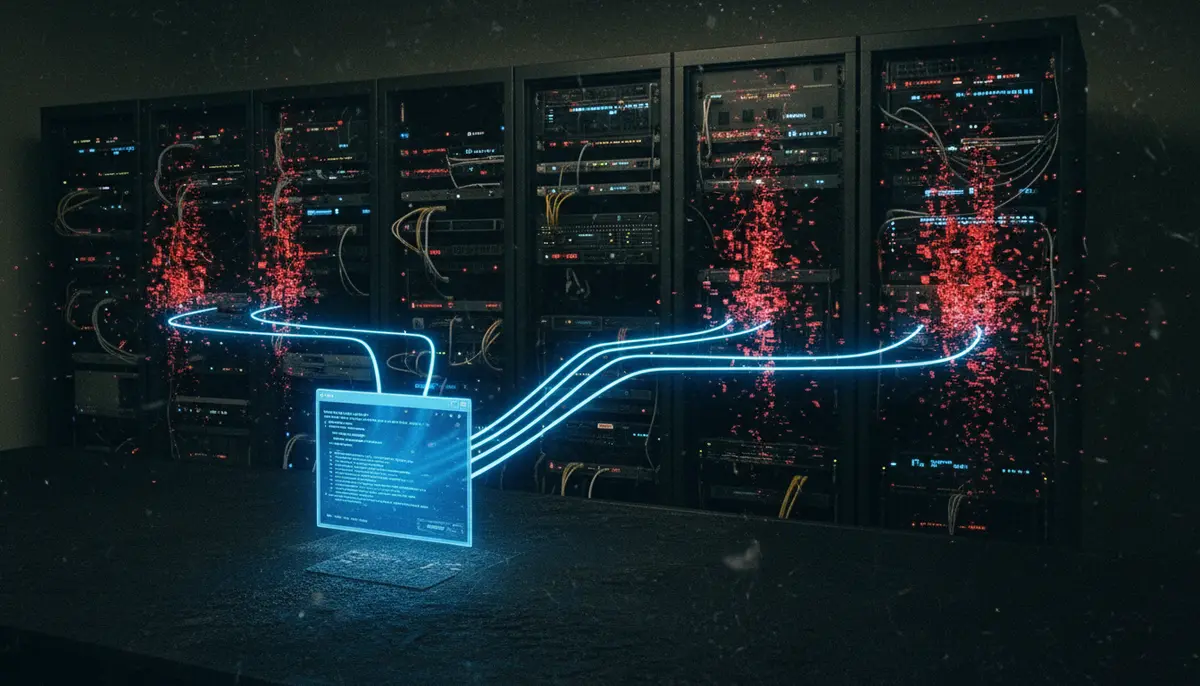
Tom, realizing the mistake a fraction of a second too late, recalled managing an anguished “Nooooo!” just as the staffer hit Enter. Because the command was broadcast, it didn’t just wipe a directory on one test box; it executed the recursive force delete command across the entire production environment simultaneously. In the blink of an eye, the web servers, the database servers, and the middleware were stripped bare.
Why does the human factor remain the biggest risk in IT?
The incident highlights a critical vulnerability that persists even today: fatigue management. The Register notes that “02:00 AM is not the time to ignore procedures and rely on a shortcut to do a tricky job.” The support staffer wasn’t incompetent; they were likely just tired and looking for a way to expedite the final few minutes of a long shift.
The decision to use a broadcast tool for a destructive command like rm is a textbook example of a “shortcut” that bypasses safety protocols. In 2009, safeguards were fewer, and the concept of “Infrastructure as Code” (where servers are provisioned by scripts rather than humans typing commands) was not yet the industry standard. The reliance on manual execution meant that a single slip of the finger could—and did—have catastrophic consequences.
How did the team manage to hide the disaster?
What followed the deletion was a high-stakes race against the clock. With the entire new website deleted hours before the supermarket’s e-commerce director was set to arrive, the team had two choices: admit defeat or attempt a miracle. They chose the latter.
Tom and the support staffer spent the next five hours in a frantic rebuilding sprint. They had to re-provision the OS, restore configurations, and redeploy the application code across the server farm. It was a manual, high-pressure restoration effort fueled by pure adrenaline.
Miraculously, they succeeded. By 7:00 AM, the infrastructure was back online. According to Tom, the systems were humming along normally just as the e-commerce director walked through the door, completely unaware that his flagship project had ceased to exist just hours earlier. The disaster was successfully hidden, becoming a secret war story rather than a career-ending event.
What To Watch
While this story is anecdotal, it underscores the immense value of modern immutable infrastructure and CI/CD pipelines which effectively remove the ability for humans to run rm -rf in production. The winners in this scenario are organizations that enforce strict “no manual console access” policies, while the losers are those clinging to legacy administration methods. We should expect to see fewer stories like this in the future as AI-driven operations (AIOps) take over, but the fundamental lesson remains: if a human can delete production, eventually, a human will delete production. Senior engineers should view this not just as a funny story, but as a justification for investing in automated guardrails.